Educational Supports
Talking about OCNDS in the Educational Setting
Disclaimer: These slides and script are for informational purposes only and should not be considered medical, legal, or educational advice. Every individual with OCNDS has unique needs, and we encourage families to consult with healthcare providers, therapists, and educators to determine the best support and interventions for their child.
Our
Parent Advisory Board,
in collaboration with
Deanna Heuring, Ed.S., created informational slides and script to empower families affected by OCNDS with the knowledge and confidence to advocate for their loved ones. Understanding OCNDS can be overwhelming, and we want to equip parents and caregivers with clear, accessible information to help them navigate key areas like therapy, education, and support services.
We designed these informational slides and a companion script to help you confidently communicate your child’s needs during meetings with school personnel. Our hope is that these tools will empower you to advocate more effectively, whether you're in an IEP meeting, a parent-teacher conference, or any other school-related conversation. You can download the slides and script below. If you intend to present the slides live on a computer, please email info@csnk2a1foundation.org and we will provide you a copy for use.
Using the Slides and Companion Script to Talk About OCNDS in the Educational Setting.
Follow these steps to personalize and use it effectively:
1. Prepare in Advance
- Review the script and insert your child’s name where indicated.
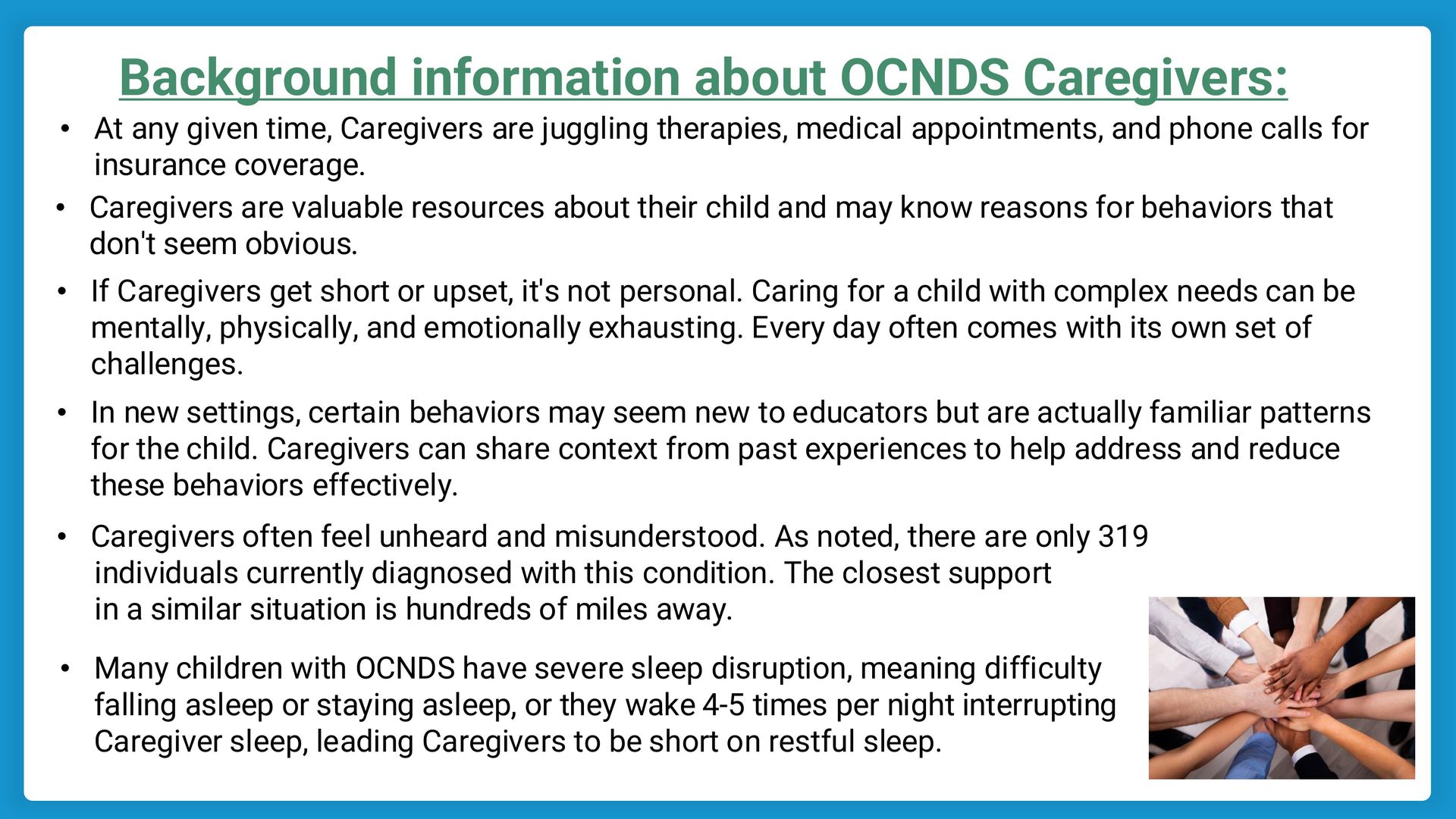
- It is important to include personal details to give better insight into your Child’s needs. (See Slide 5 and Slide 8)
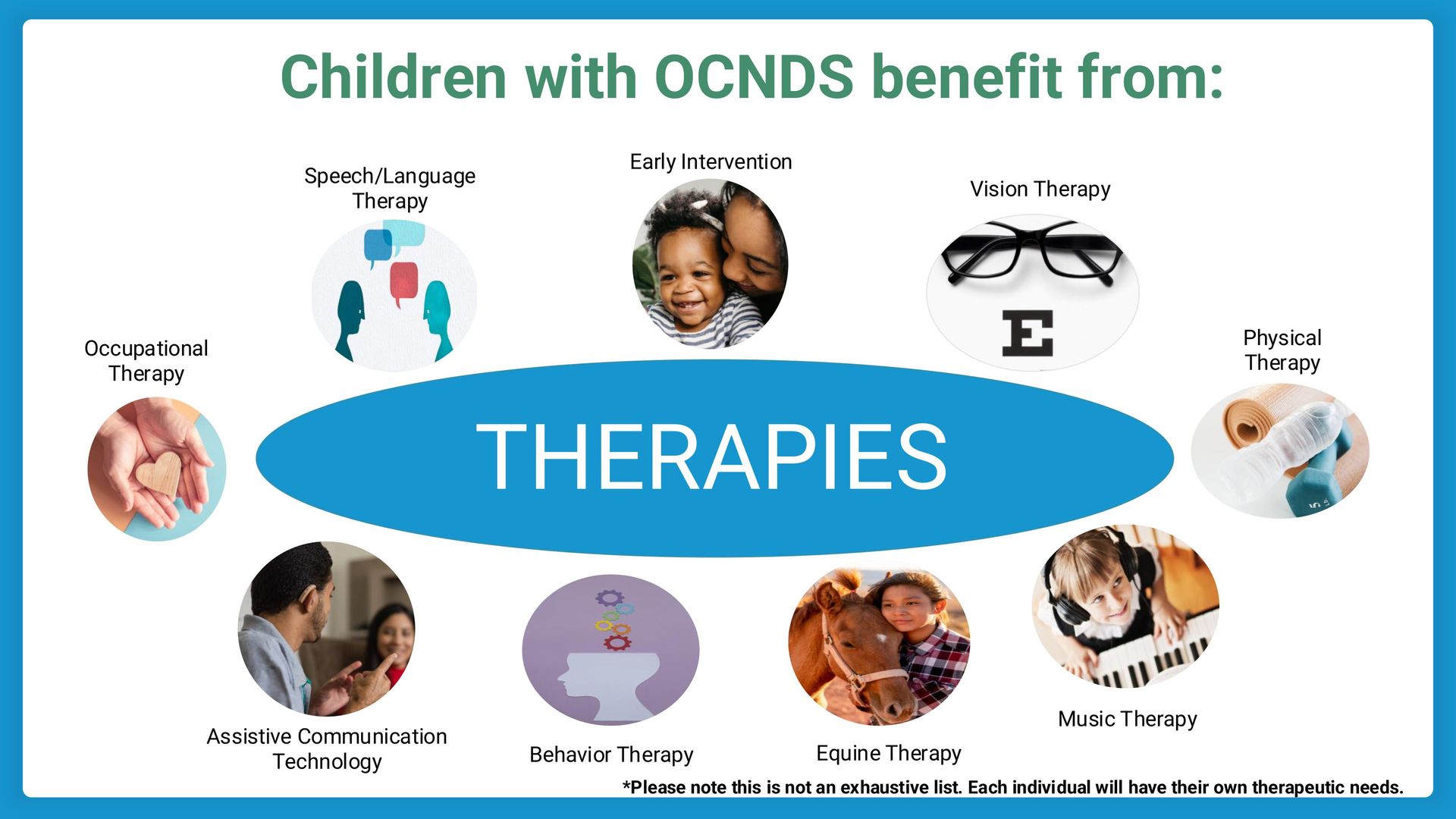
- Make a list of the therapies your child has received and/or currently participates in (e.g., speech therapy, occupational therapy, physical therapy, behavioral therapy, etc.). (See Slide 6)
- Note the number of hours per week your child receives each therapy if they are receiving therapy outside of school. (See Slide 6)
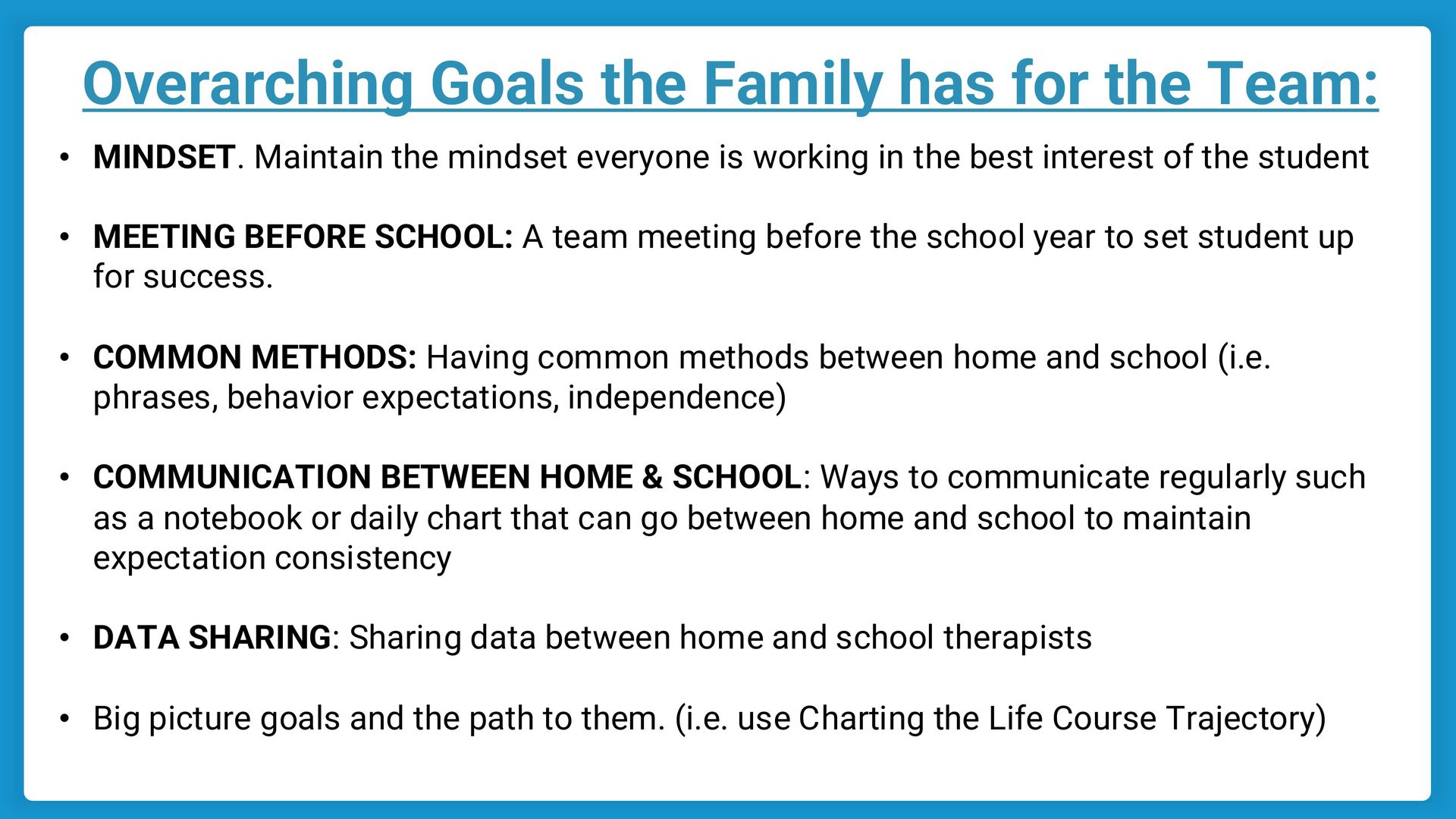
- Identify any areas where additional support or coordination is needed. (See Slide 9)
2. Stay Open to Discussion
- Be prepared to answer questions and provide any necessary documentation about your child’s therapies.
- If needed, ask for specific action steps or follow-up dates to ensure collaboration happens.
By using this script, you can advocate for a well-coordinated approach that supports your child’s success in school and beyond.